4 months ago
Link Clicks and Saves now available for LinkedIn Personal Metrics
What's new! You can now view two additional metrics for LinkedIn Personal Profiles:
- Link Clicks
- Saves
Both are displayed in the Channel Performance and Owned tabs, and are now included in the Engagement Count and Engagement Rate calculations.
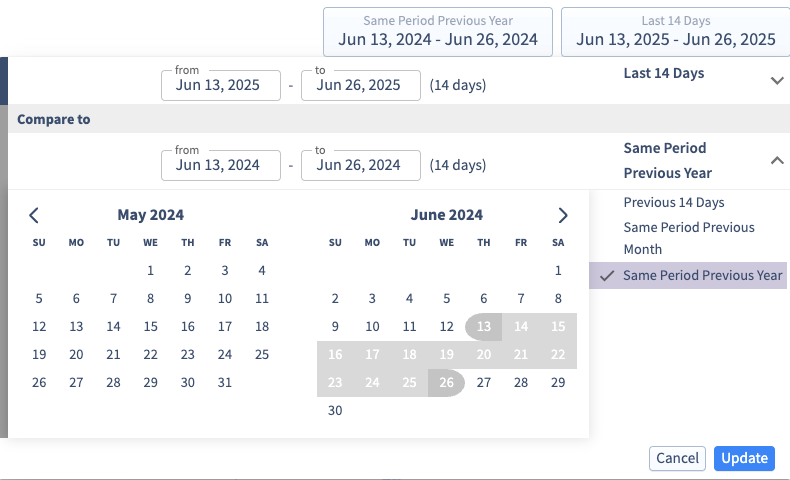
Like all LinkedIn Personal Metrics, they can be analyzed over any selected date range and compared side by side with other social media channels.
Link Clicks and Saves are available on all paid Digivizer plans effective immediately.
For information on how to connect your LinkedIn account, see our Help Centre guide.