🎉 A Fresh New Look for Assignments
The Coassemble team has been hard at work re-designing the assignments module to give your learners and course creators an amazing experience taking and creating assignments.
Apart from the fact that assignments now look amazing, we’ve made some changes to the way learners navigate through assignments, and added some additional functionality for trainers creating assignments.
What’s changed for learners?
Assignment overview
The assignment description, now called ‘Overview’, has its own dedicated screen, providing learners with clear information on their status, when the assignment is due, and what the assignment is about.
Navigating assignments
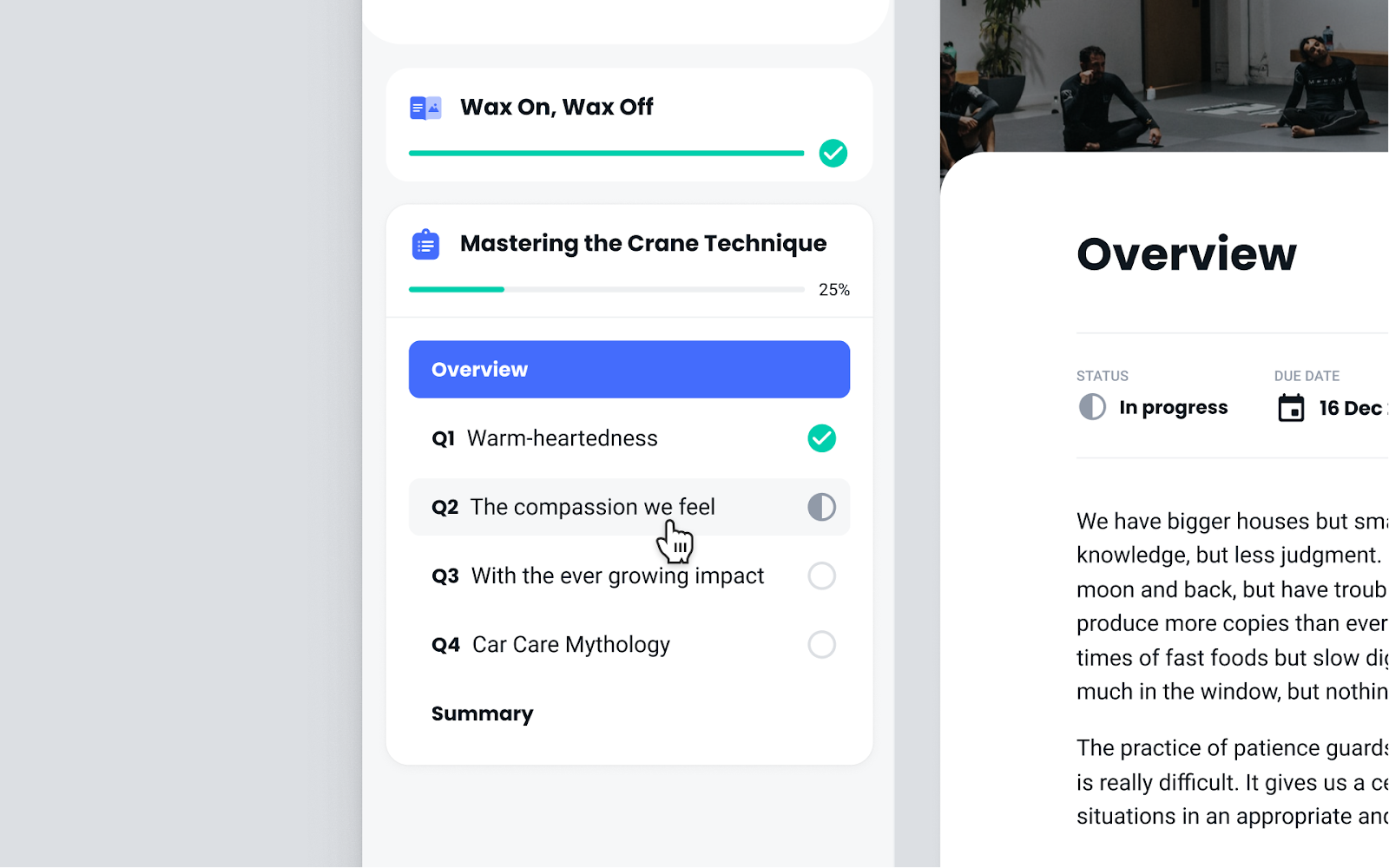
Assignments are now more like quizzes and lessons where learners can navigate through each question from the sidebar navigation. Each question now has its own screen.
Summary screen
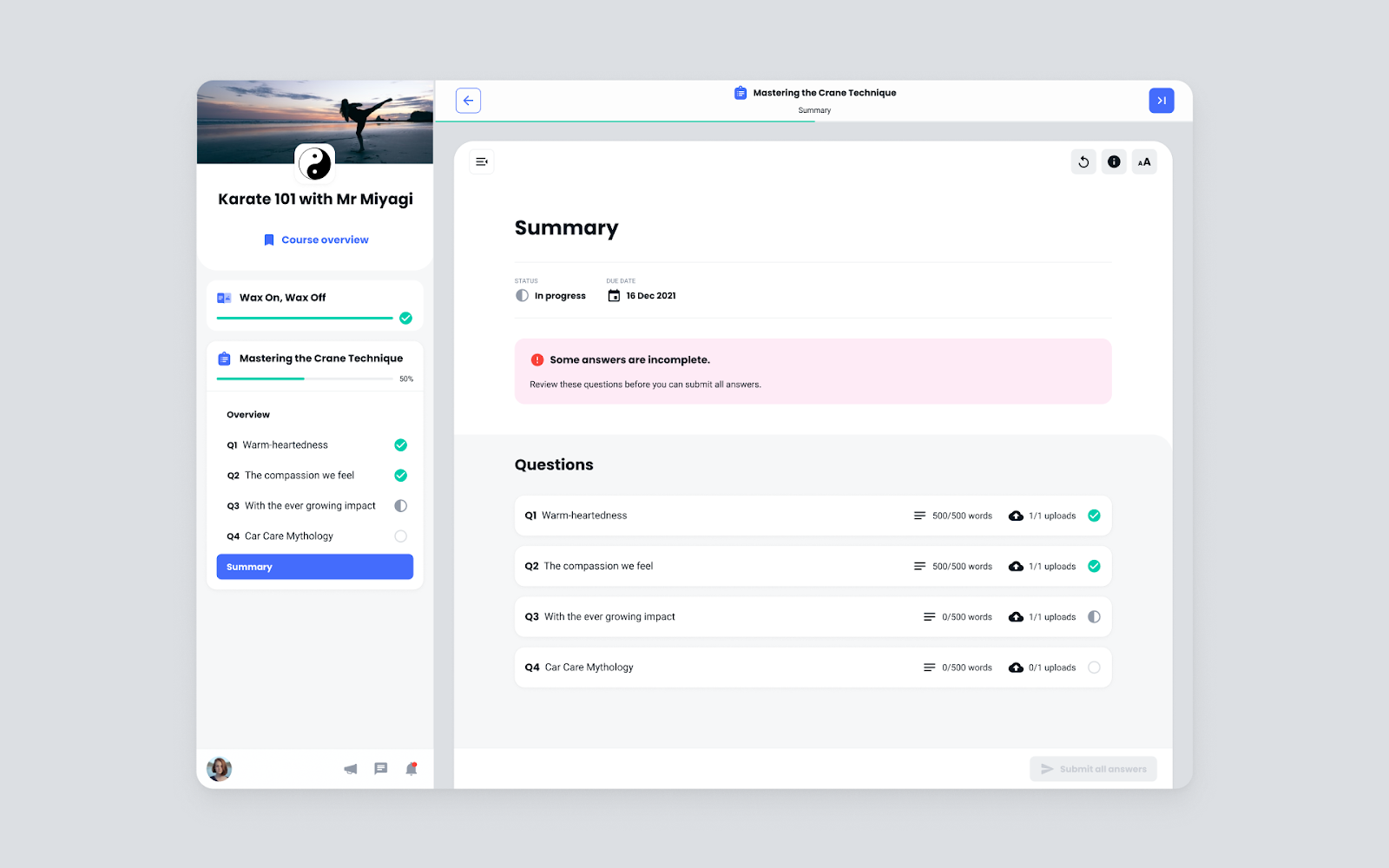
We’ve added a summary screen to provide learners more clarity around their next steps. The summary displays relevant information depending on where learners are at.
Scenarios include:
- The learner has incomplete questions
- The learner is complete and should now submit their assignment
- Confirmation of assignment submission
- Grading pending
- Trainer feedback and grades
What’s changed for trainers?
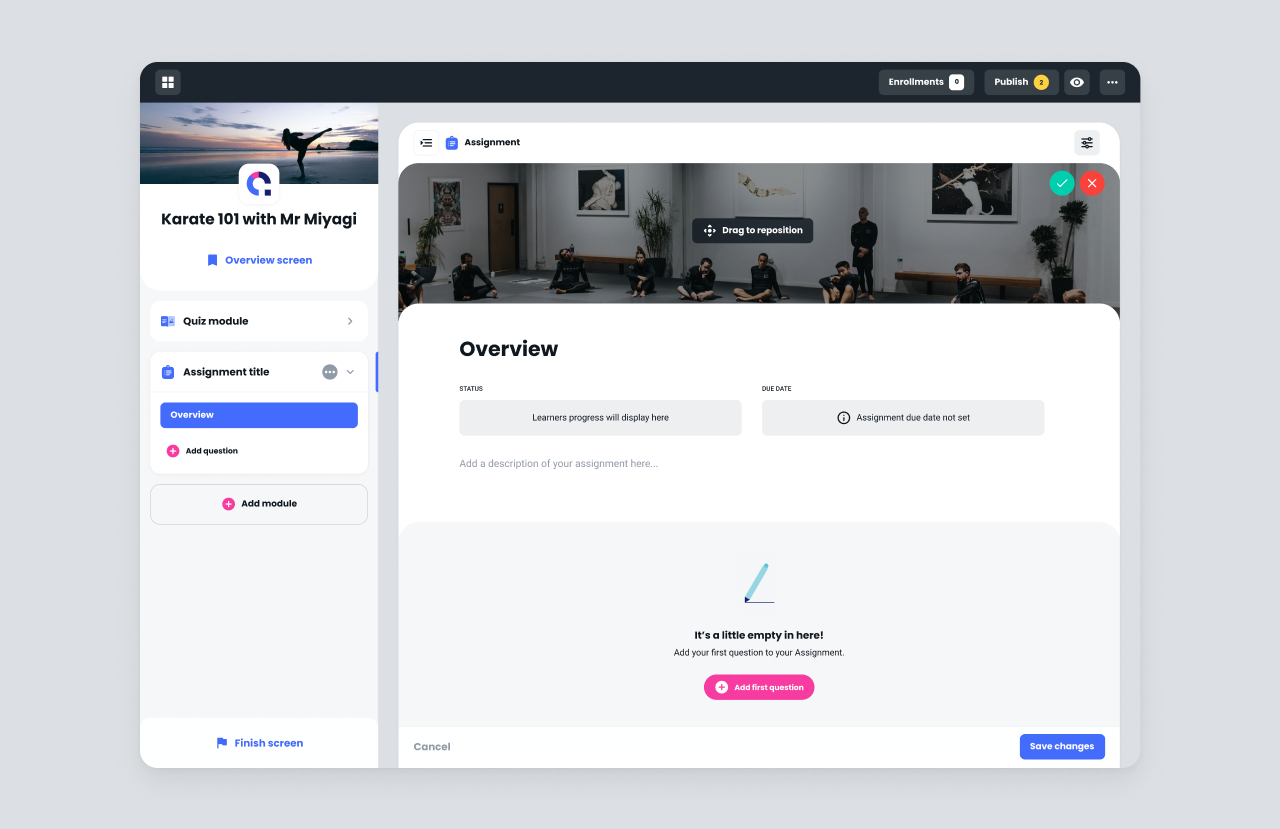
Pushing forward with our goal of developing inline editing for all our templates, we’ve tried to match the creation experience with how your learners experience taking the assignment. This helps trainers experience the assignment as the learner does, providing more context and helping them deliver a better experience for learners.
Overview page
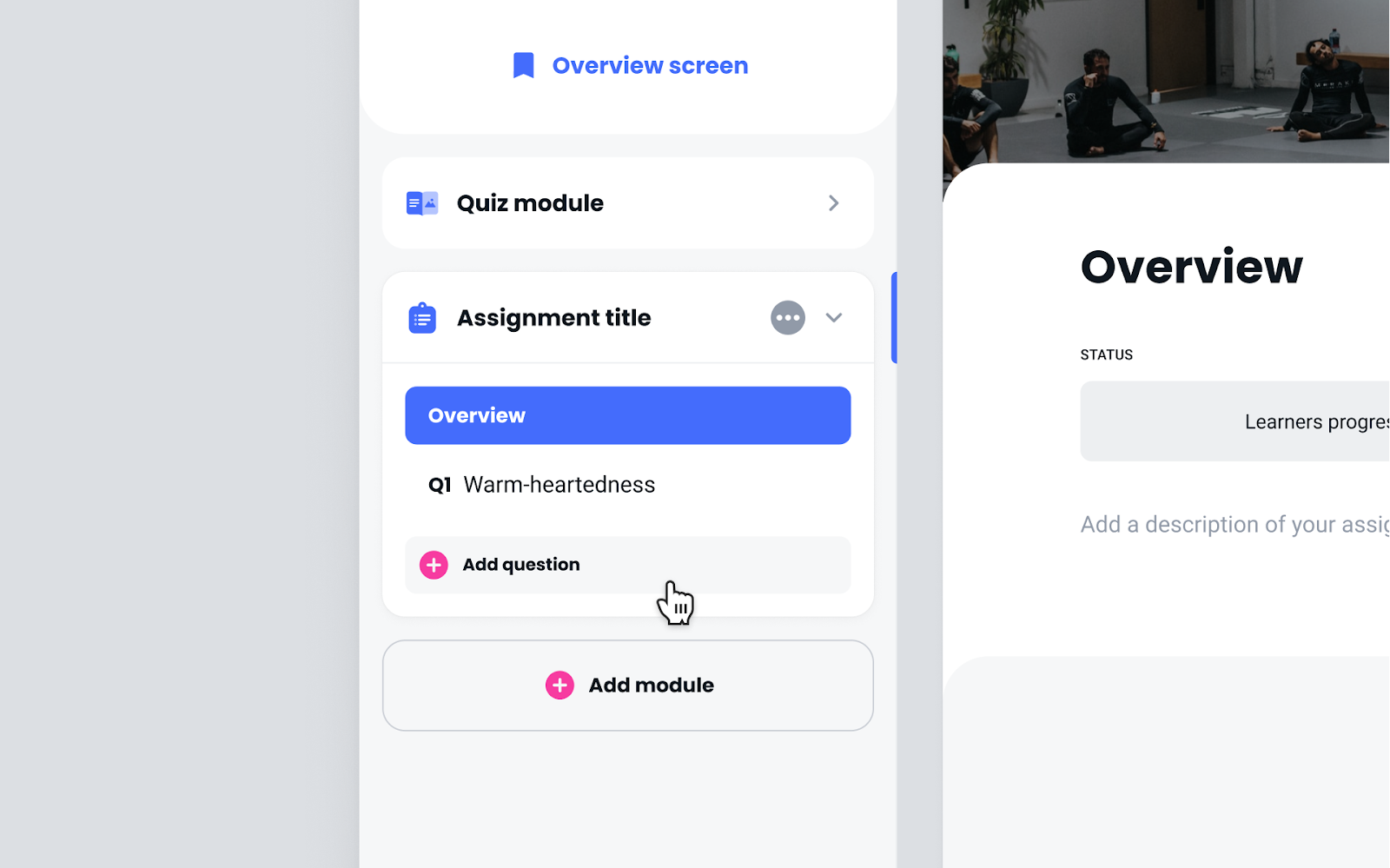
Following along with the changes made for learners, assignments include a dedicated overview screen. This is where the assignment description will appear, along with the ability to add a custom header color or image.
Adding questions
Adding questions is similar to the way you add quiz questions in the quiz module. Simply add questions from the sidebar and edit them using our inline text editor.